Tactile Z
One of the big letdowns of Nintendo’s GameCube controller is the Z button. There’s very little feedback you receive from pressing it, so modding it to have a tactile button is very popular. Here I’ll cover a few of the most popular Z button replacements.
Just a note, all these mods will require simple soldering.
Wii Classic Controller
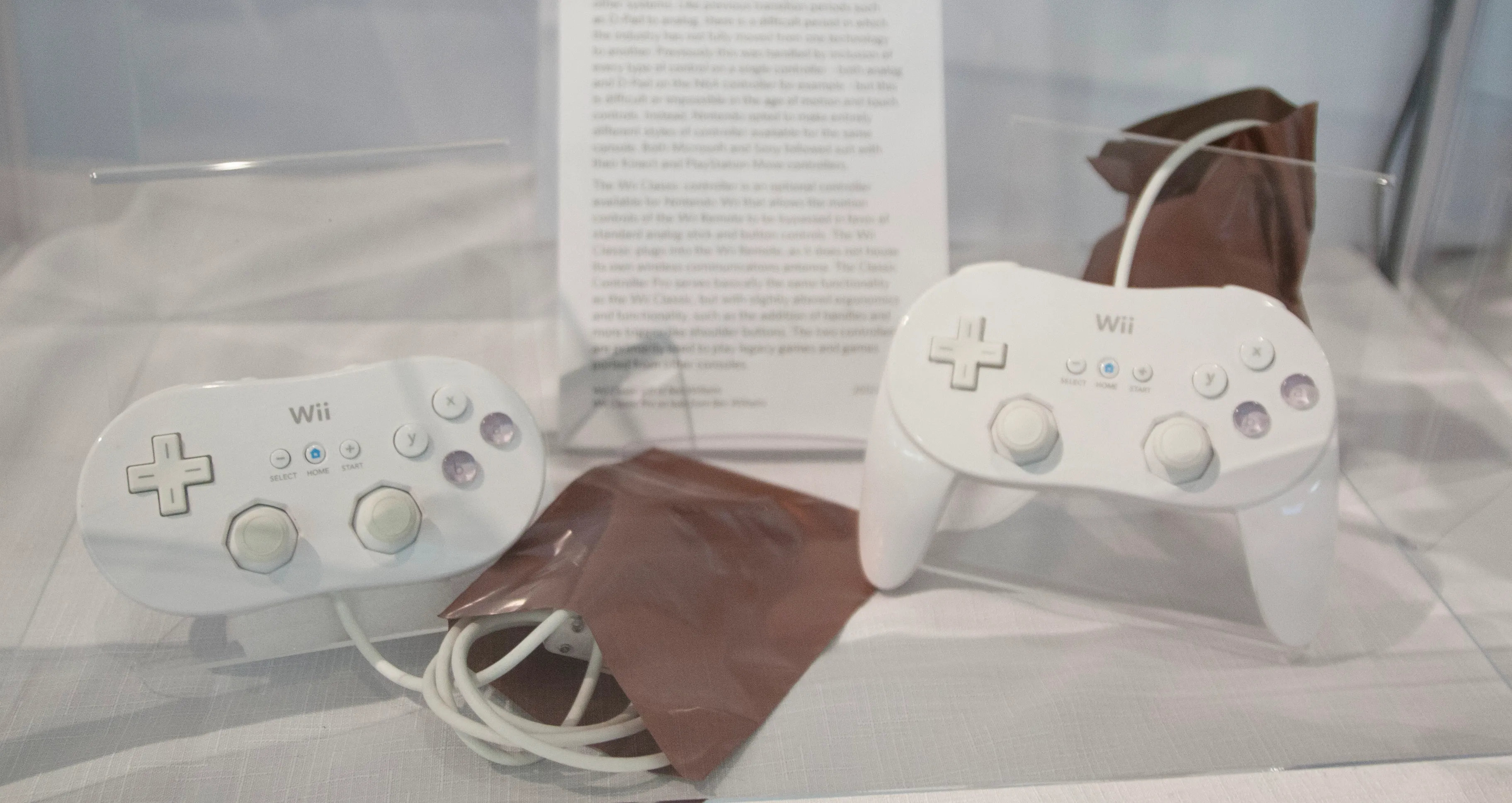 Source https://commons.wikimedia.org/wiki/File:Wii_Classic_and_Wii_Classic_Pro_(7973398660).jpg (CC BY 2.0)

The Wii Classic Controller in many ways is a direct sequel to the GameCube controller, using the same stickboxes and analog shoulder buttons. The Classic Controller has two Z buttons, both of which use the exact same form as the GameCube’s but they have a more tactile click. They can be identified compared to the GameCube’s Z buttons by their gray pad.
BibbEZ
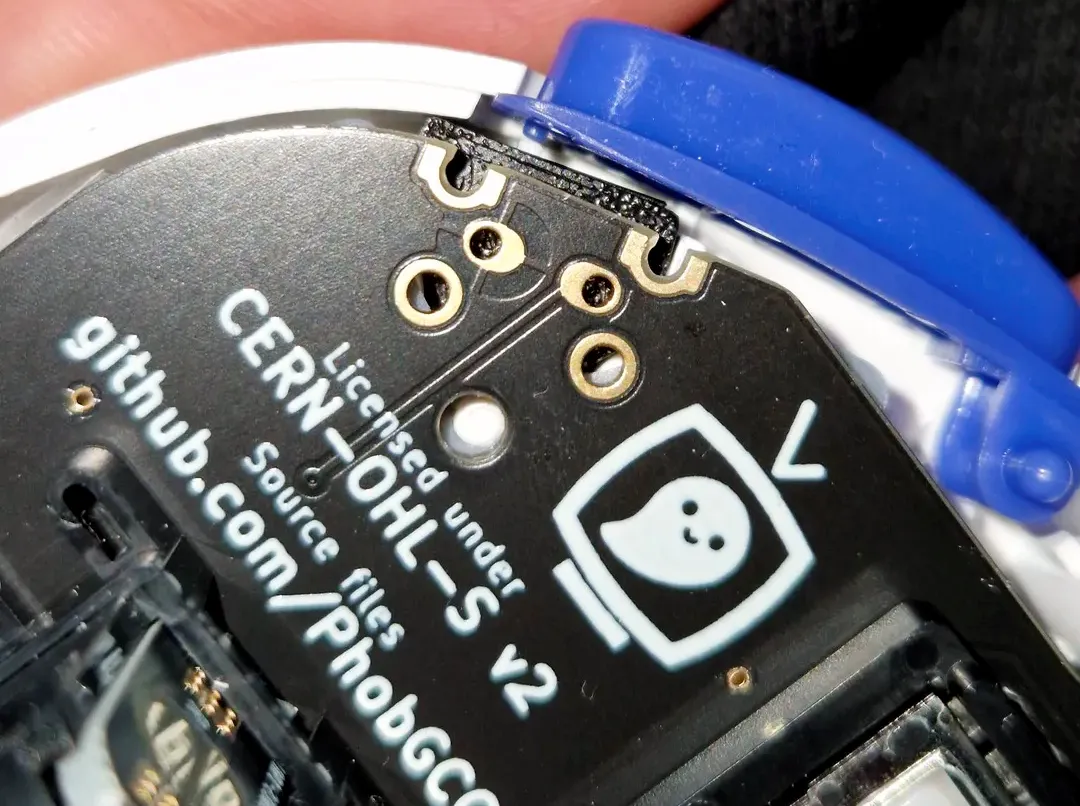
BibbEZ allows you to use a mouseswitch instead of the traditional form factor, which has the benefit of being rated for a very high number of presses and being fairly cheap. The 3d printed mount fits snugly into the shell, allowing for very consistent actuation and no likelyhood of being shaken loose.
The downsides of BibbEZ is that it’s best installed on a phob board, as otherwise routing the wires to the original pads can be slightly annoying. Later revisions of the phob 2.0 boards have dedicated pads for this mod which makes it much cleaner to install. As well, you do need to slightly trim your ABXY button pad as it expands slightly further than the original Z switch.
You can find the files for this mod here.
Simple’s Method
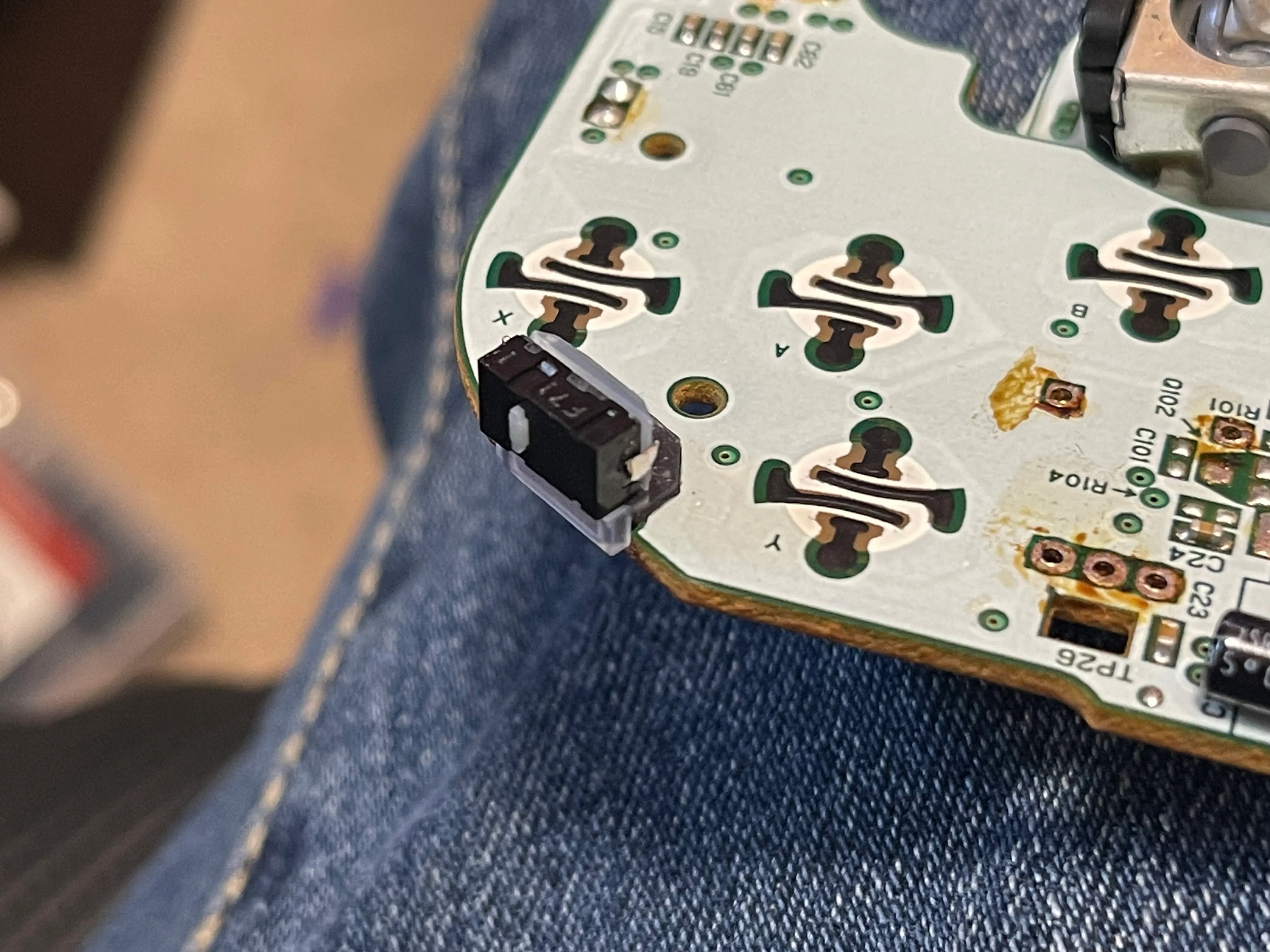 Source https://github.com/SimpleControllers/gcc-mouseswitch-z/blob/5921761967372265d440e1abc2c62b5f3ab9b7b9/InstallImage.jpg (MIT)

SimpleControllers has a universal bracket for Omron mouseswitches that works on all OEMs and phobs. It’s very small and fits in the footprint of the original Z switch. It uses a detailed resin print to perfectly align the mouseswitch into the holes left behind from the original Z switch. The downside of this bracket is that outside of the shell, it does not have very much support and is soldered in with small wires. This makes the installation more complicated, and it’s possible to knock out of place when working on your controller.
You can find the source for it here, and if you want a premade one then Simple sells them here.
The Phob Only One
I’m not sure if this one has a name, but it only works on Phob boards due to additional mounting holes being added for them. The Phob docs has an entire guide here, but to summarize:
- Buy this specific switch
- Remove the two leads at the top
- Trim the structural legs completely flush with the board to not interfere with the triggers
- Make a cut in the ABXY button pad where the structural legs are.
This switch takes a bit more work to do, but at the price of $0.49 (or cheaper in bulk) they provide a great tactile experience without any need for an additional mount.
Fire’s Tactile Z
This mod uses the same switch as the Phob only one, except to make it line up with original Nintendo motherboards it has you bend the legs to fit in the correct positions. This mod requires no modifications to the controller or pads, no 3d printed parts, and the only work is bending the legs at specific parts.
You can find Fire’s guide here.
Conclusion
There are many great options for enhancing the tactile feedback of the Z button on your Nintendo GameCube controller. The Wii Classic Controller provides a satisfying click, while BibbEZ offers a cost-effective mouseswitch alternative. Simple’s Method offers a universal bracket for Omron mouseswitches, and the Phob Only One mod is exclusive to Phob boards. For a straightforward solution, Fire’s Tactile Z mod requires only bending the legs of an existing switch. Choose the mod that best suits your preferences and enjoy an improved gaming experience.